IT’S EASY ENOUGH to open a door in Photoshop. But making it look like a real door is a little more tricky.
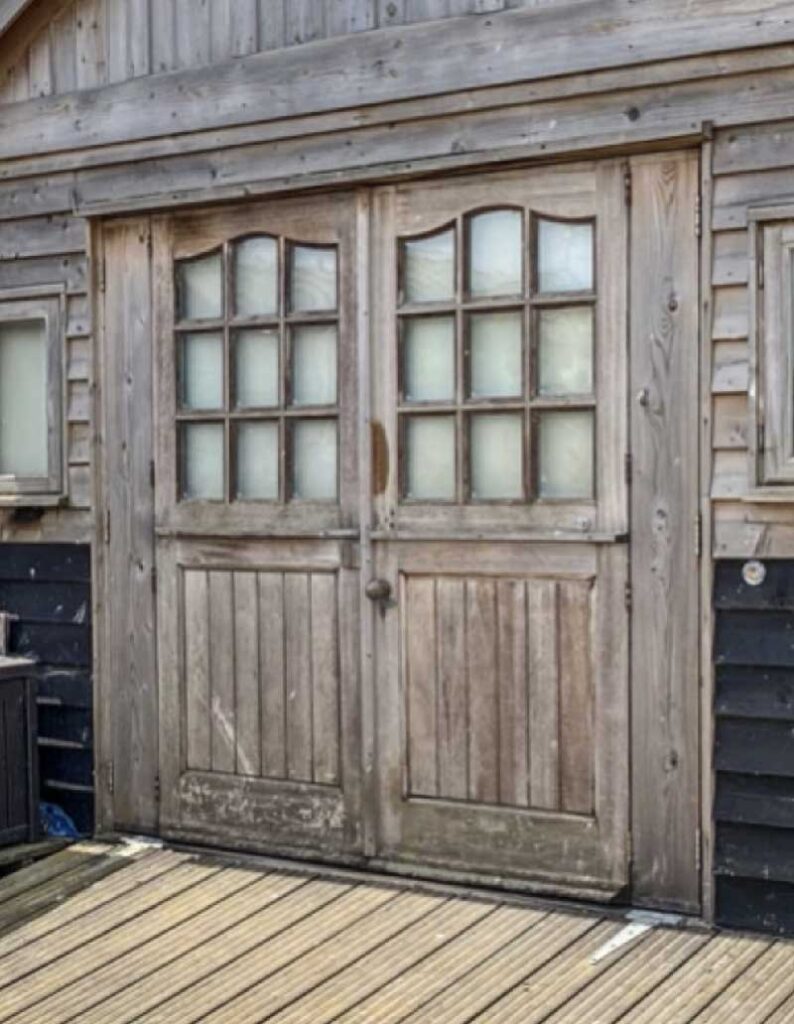
Here’s the closed door. Select it with the Lasso or Pen tools, copy it to a new layer, then duplicate it.
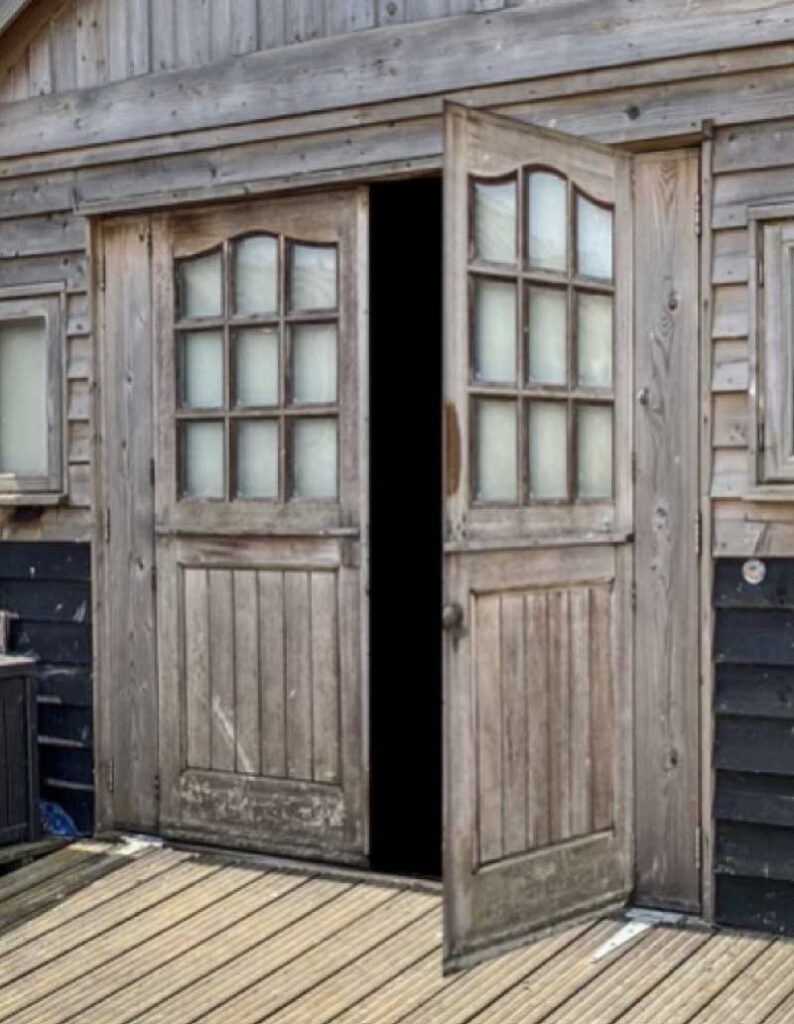
Use Free Transform to distort the duplicated layer to open the door, then fill the original door area with black (or your choice of interior).
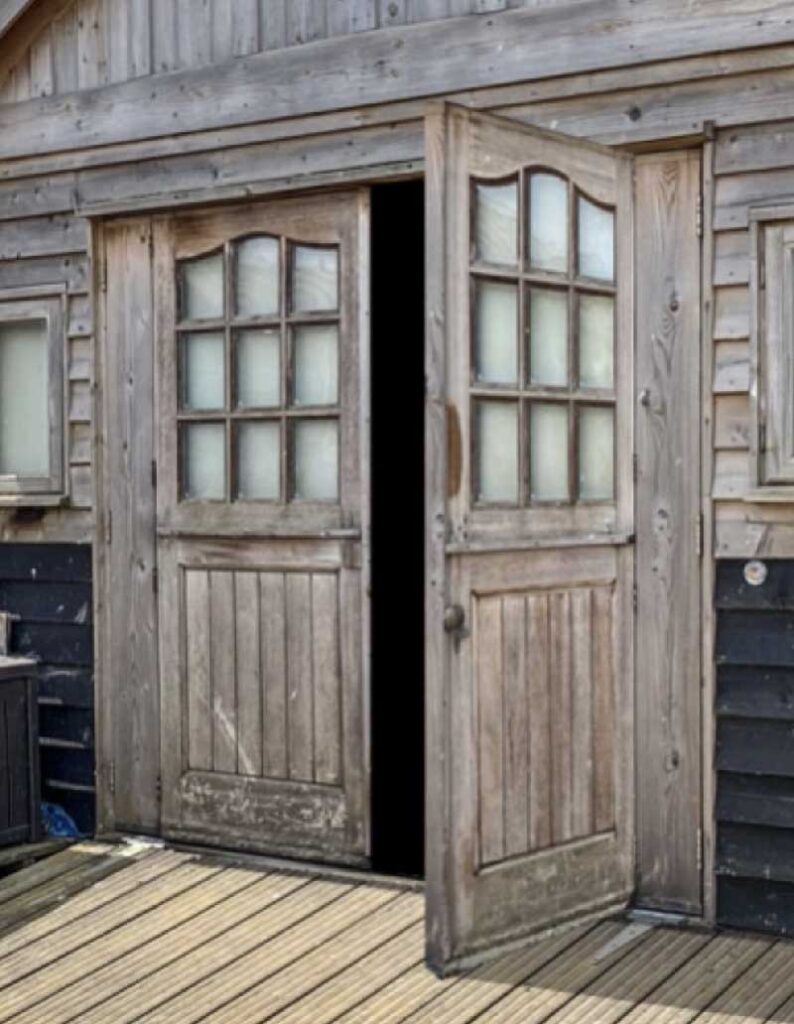
Copy a thin strip of wood from elsewhere in the image and use this to make the edge of the door, to give it thickness.
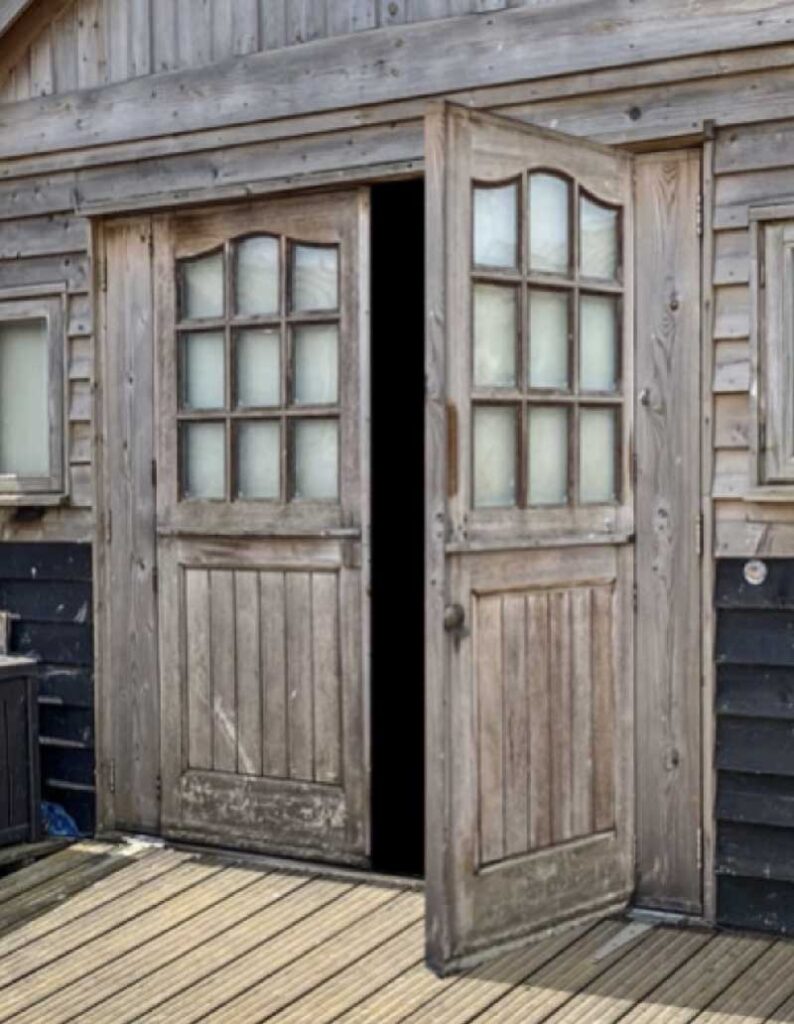
But those windows are facing the wrong way – a sure giveaway. Select them and use Free Transform to flip and distort them to fit.
You can see a video version of this, and other common Photoshop errors, here.
See also
main index